Solana Wallet Guide
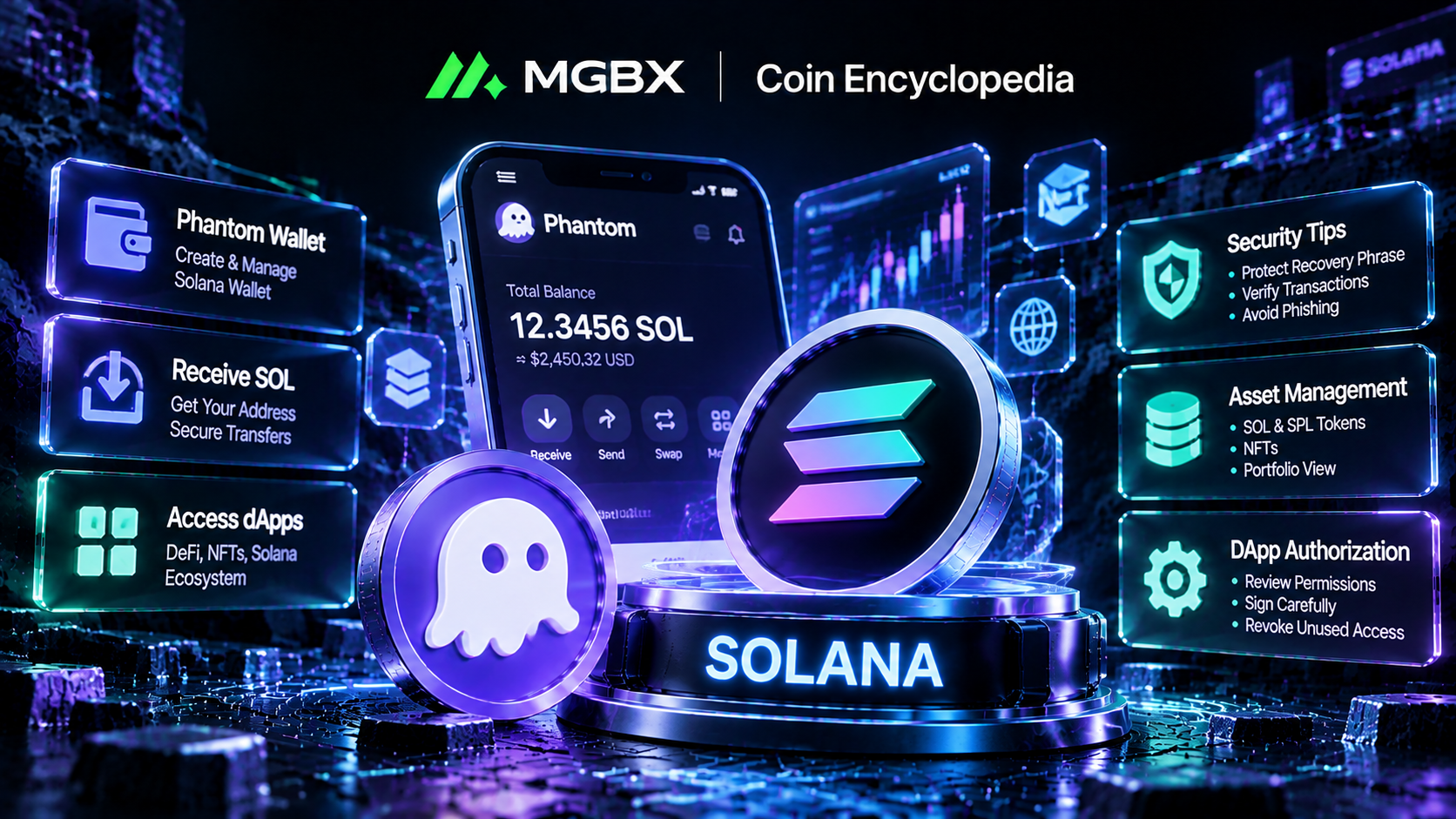
A Solana wallet allows users to manage on-chain assets, sign transactions, and connect to decentralized applications. Phantom is a popular option for accessing the Solana ecosystem and supports multiple wallet creation methods. For beginners, choosing the right wallet is only the first step. It is equally important to understand how to send and receive SOL, back up recovery credentials, and review DApp permissions. Since self-custody wallets typically leave users responsible for their own access credentials, protecting private keys, verifying transactions, and recognizing phishing attempts are essential to keeping SOL secure.
Solana Wallets vs. Phantom Wallet
A Solana wallet is a tool for managing blockchain addresses, signing transactions, and interacting with on-chain applications. Strictly speaking, SOL is not stored as a file on your phone or computer. Its balance is recorded on the Solana blockchain. A wallet uses cryptographic keys or other supported authentication methods to help users control their addresses and authorize on-chain transactions.
Wallets can generally be divided into custodial and self-custody wallets. Custodial wallets are typically managed by a service provider, which controls the relevant private keys, while self-custody wallets leave users responsible for managing their own access credentials. Phantom is a self-custody wallet that supports creation through a Secret Recovery Phrase or certain account-based sign-in methods. Recovery procedures may differ depending on the setup method, so check the official documentation before getting started.
When choosing a Solana wallet for sending SOL, accessing DEXs, or managing NFTs, consider network compatibility, key management, ease of use, and security features rather than popularity alone.
How to Create a Phantom Wallet and Receive SOL
First, visit the official Phantom download page to get the app or browser extension for your device. Follow the on-screen instructions to create a new wallet or import an existing one. If you choose the Secret Recovery Phrase method, record the phrase accurately and store it securely offline. Phantom makes clear that users are responsible for safeguarding their recovery credentials, and losing them may make it impossible to regain access to the wallet.
Once your wallet is set up, open it and select the receive option. Copy your Solana address and share it with the sender. Before receiving SOL, confirm that the sender is using the Solana network and verify the full address. When transferring to a new address for the first time, consider sending a small test amount before making a larger transfer.
If you want to connect your wallet to a decentralized application, visit the app through a trusted source and use its wallet connection feature. Connecting your wallet does not automatically approve every transaction. Whenever a signature request appears, review the transaction details carefully and make sure they match the action you intend to perform.
SOL Storage Security and Common Risks
Wallet security depends on both software protection and user behavior. Never share your private key or Secret Recovery Phrase with anyone, and never enter these credentials on websites claiming to unlock assets, distribute airdrops, or provide customer support. Always verify the official domain before downloading a wallet to avoid counterfeit applications.
If unfamiliar tokens or NFTs appear in your wallet, do not click associated links, transfer assets, or sign unknown transactions. Phantom can automatically hide certain suspicious tokens and collectibles and allows users to manage hidden assets. However, hiding or flagging an asset does not guarantee that it is safe.
For long-term holdings, consider additional security measures, such as a hardware wallet, based on the value of your assets and how frequently you use them. You can also keep a separate wallet with a smaller balance for everyday transactions to limit exposure to unnecessary permissions. Remember that sending assets to the wrong address, approving malicious transactions, or exposing your recovery phrase can result in irreversible losses.
FAQ
What is the difference between a Solana wallet and a Phantom wallet?
A Solana wallet is any wallet that supports the Solana network. Phantom is one such wallet.Can I recover my Phantom wallet if I lose my recovery phrase?
It depends on how the wallet was created and what recovery options remain available. For wallets that rely on a Secret Recovery Phrase, losing it without another valid recovery method may result in permanent loss of access.What should I do if I receive an unfamiliar NFT or token?
Do not click its links or sign related transactions. You can use your wallet's built-in hiding features and verify the asset through official sources.Is there a fee for receiving SOL?
Recipients generally do not pay a separate network fee to receive SOL, but the sender pays the transaction fee. Subsequent on-chain transactions will typically require SOL to cover network fees.
Mastering the basics is the first step. Follow MGBX Academy to access more cryptocurrency educational resources and market opportunities.
The process for trading on MGBX:
Register a trading account and complete the necessary identity verification;
Deposit funds and select a trade type;
On the cryptocurrency trading page, enter the amount or quantity of the cryptocurrency you wish to purchase;
Confirm the order to complete the trade, and check that your assets have increased accordingly.